Follow these steps after your visit to review your visit summary.
Follow these steps to get started:
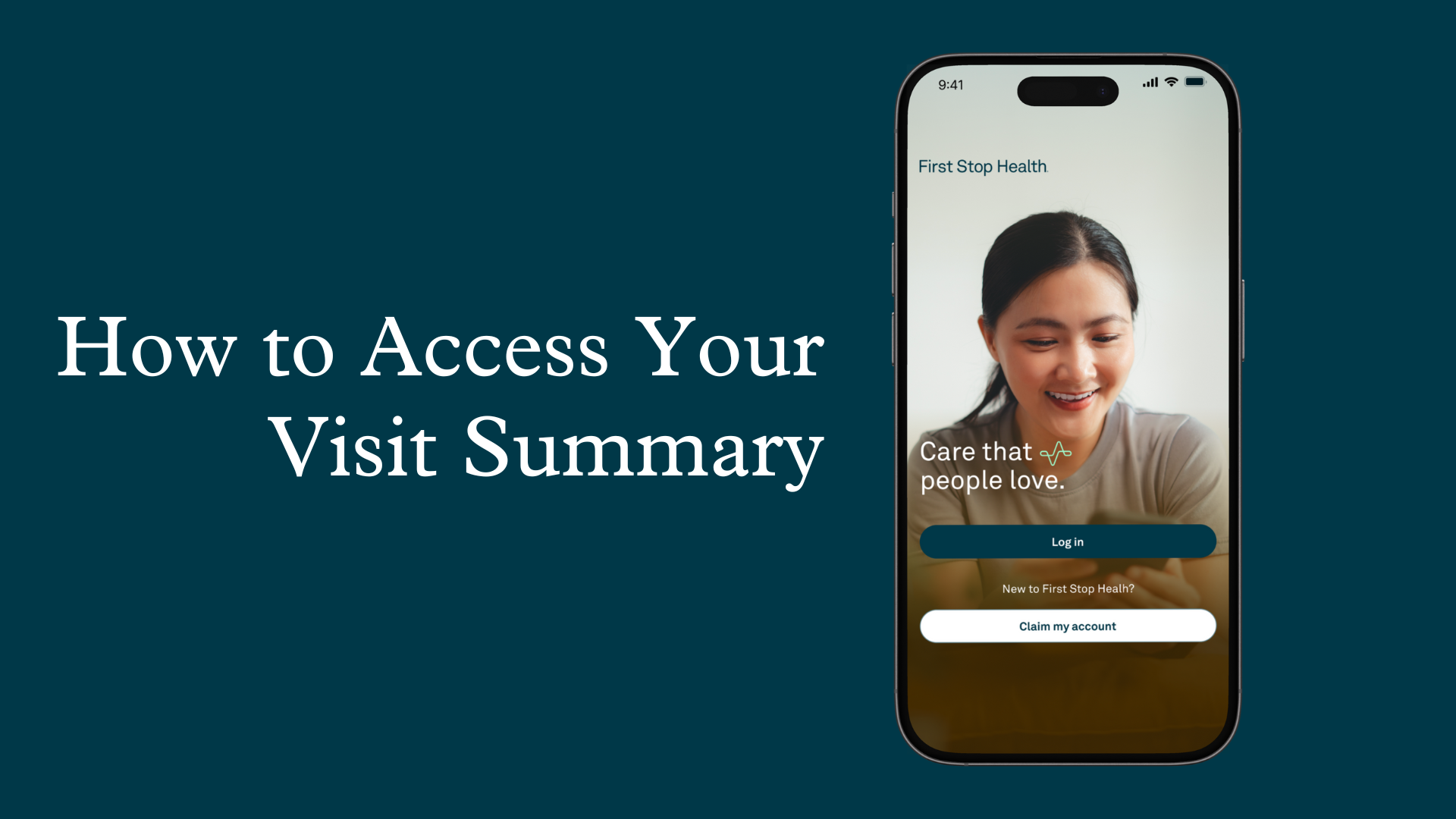
Log in to your First Stop Health account on our mobile app or by visiting firststophealth.com.
Select ‘Visits & Sick Notes’ to review your past visits. On the mobile app, select ‘Visits’.
Select the visit you would like to view.
Review your visit information*. When appropriate, you can download your sick note here. If you have any questions about your visit summary, you can contact us for support.
*For primary care visits, we will notify you via email when your visit summary is ready. In some cases, it may take 2-5 business days.
.png?width=1650&height=1275&name=website%20images%20(65).png)